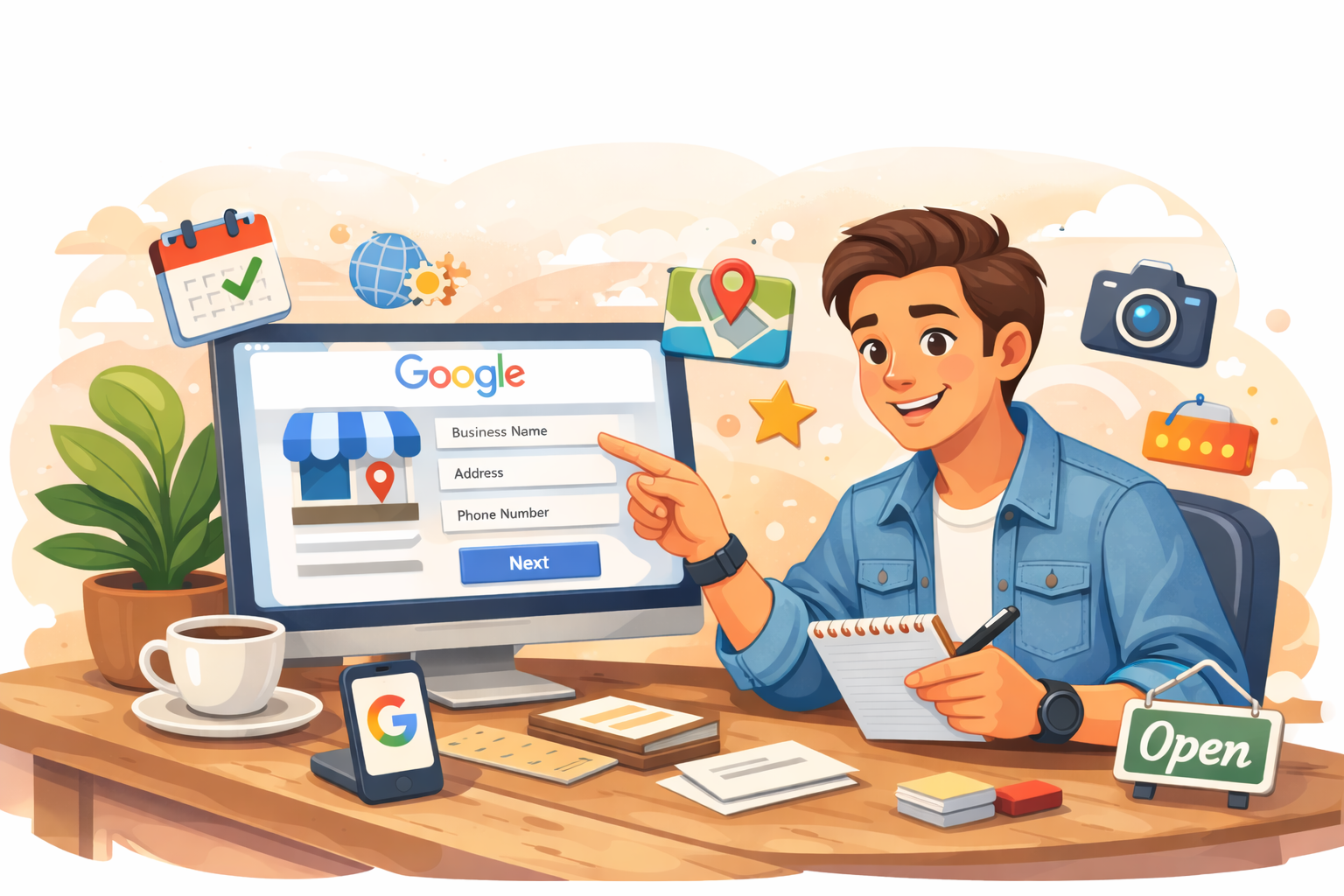
If you run a small business in Australia and you haven't set up your Google Business Profile yet, you are leaving money on the table. It is free, it takes less than an hour to complete properly, and it is often the very first thing a potential customer sees when they search for your business — or a business like yours — online.
Here is exactly how to do it right.
What Is a Google Business Profile?
A Google Business Profile (formerly Google My Business) is the listing that appears on the right-hand side of Google search results and on Google Maps when someone searches for your business by name or category. It shows your business name, address, phone number, website, opening hours, photos, reviews, and more.
For local businesses, it is often more valuable than a website for driving foot traffic and phone calls.
Step 1: Go to Google Business Profile
Head to business.google.com and sign in with your Google account. If you don't have one, create one — use a business email address if you can.
Step 2: Search for Your Business
Google will ask you to search for your business name. If it already exists in their database (which happens with older businesses), you can claim the existing listing. If not, you'll create a new one from scratch.
Step 3: Add Your Business Details
Fill in every field you possibly can. This is not the place to cut corners. Include:
- Business name — exactly as it appears on your signage and invoices
- Category — choose the most specific category that fits your primary service
- Address — if you serve customers at your location, add it. If you're a mobile or service-area business, you can hide the address and set a service area instead
- Phone number — your primary contact number
- Website — your website URL, or your directory listing if you don't have one yet
- Opening hours — keep these accurate and update them for public holidays
Step 4: Verify Your Business
Google needs to confirm you actually own the business. The most common verification method is a postcard sent to your business address with a PIN code — this usually arrives within 5 business days. Some businesses can verify by phone, email, or video call.
Do not skip this step. An unverified listing has very limited visibility in search results.
Step 5: Add Photos
Listings with photos receive significantly more clicks than those without. Add at minimum:
- Your logo
- A cover photo (your shopfront, workshop, or team)
- 3–5 photos showing your work, products, or premises
Use real photos, not stock images. Authentic images build trust instantly.
Step 6: Write Your Business Description
You have 750 characters to describe what you do. Be clear, specific, and mention your location and key services. Avoid keyword stuffing — write for humans first.
Step 7: Start Collecting Reviews
Reviews are the single biggest factor in how high your listing ranks in local search results. After completing a job, ask your satisfied customers to leave a Google review. Send them the direct link to your review page to make it as easy as possible.
Respond to every review — positive and negative. Google rewards businesses that engage with their customers.
Keep It Updated
A Google Business Profile is not a set-and-forget exercise. Update your hours when they change, add new photos regularly, post updates about specials or news, and respond to questions customers ask through the Q&A feature.
The businesses that show up at the top of Google Maps are almost always the ones that treat their profile as a living, active asset rather than a one-time setup task.
If you haven't done this yet, block out an hour this week and get it done. It is one of the highest-return activities available to any small business owner in Australia.